
Staff
With Skanom, you can grant access to employees to manage orders received from customers.
Create an employee in Portal > Staff
Enter the name, choose a username for the employee, and set their password.
You can manage permissions in detail to control which operations an employee can perform.
POS
To enable POS operation (e.g., tablet or touchscreen PC), set a PIN code for the employee.
On the login page https://dash.skanom.com/yourBusinessHandle, you can choose quick login using a PIN code.
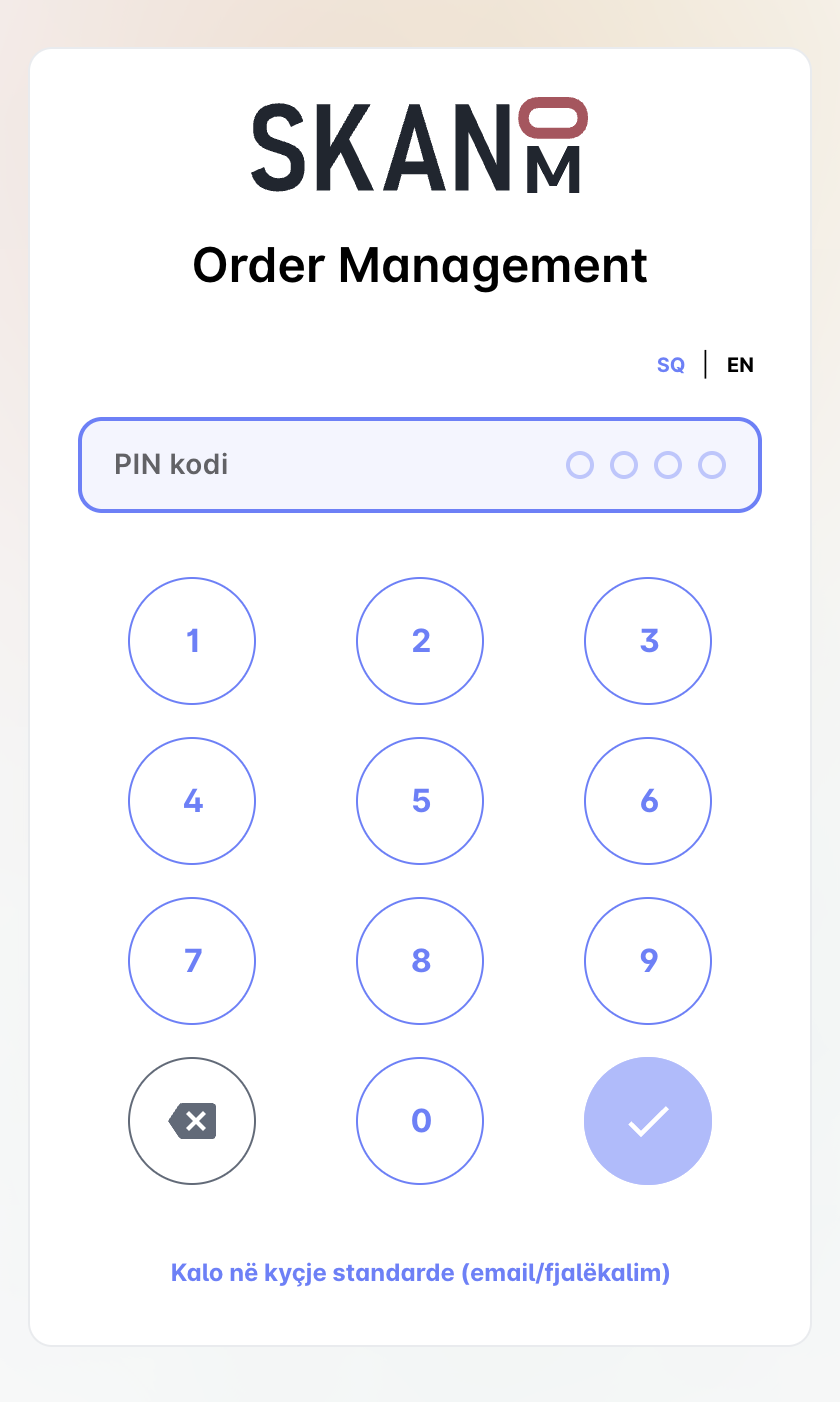
Since PIN codes are easier to guess by outsiders, only approved devices can use PIN login.
There are two ways to approve a device:
- Attempt to login with PIN code, a warning will be displayed on the Login screen with an ID, copy ID and add it in Portal > Staff > Authorize new device (POS), and enter a friendly name of the device and the ID you just copied.
- Log in with username/password as an administrator or an employee with device authorization permissions. Once logged in, click "Authorize device" from the menu.
After a device is authorized, all employees can log in using a PIN code.
Device management
Any device can be deleted or blocked so that new logins are not allowed.
If a staff member has entered the wrong PIN code multiple times the device will be blocked temporarily until a grace period has passed. The grace period can also be reset from the Portal > Staff